Ghost from hell
GHOST NEIGHBOUR
You are dead.
Murdered by your own neighbour for no reason.
Now your soul has returned for revenge.
But this is not about killing him quickly.
You want to break his mind first.
GHOST NEIGHBOUR is a short supernatural strategy horror game inspired by Neighbour From Hell. Instead of pranking the neighbour, you play as a ghost that haunts him inside his own house.
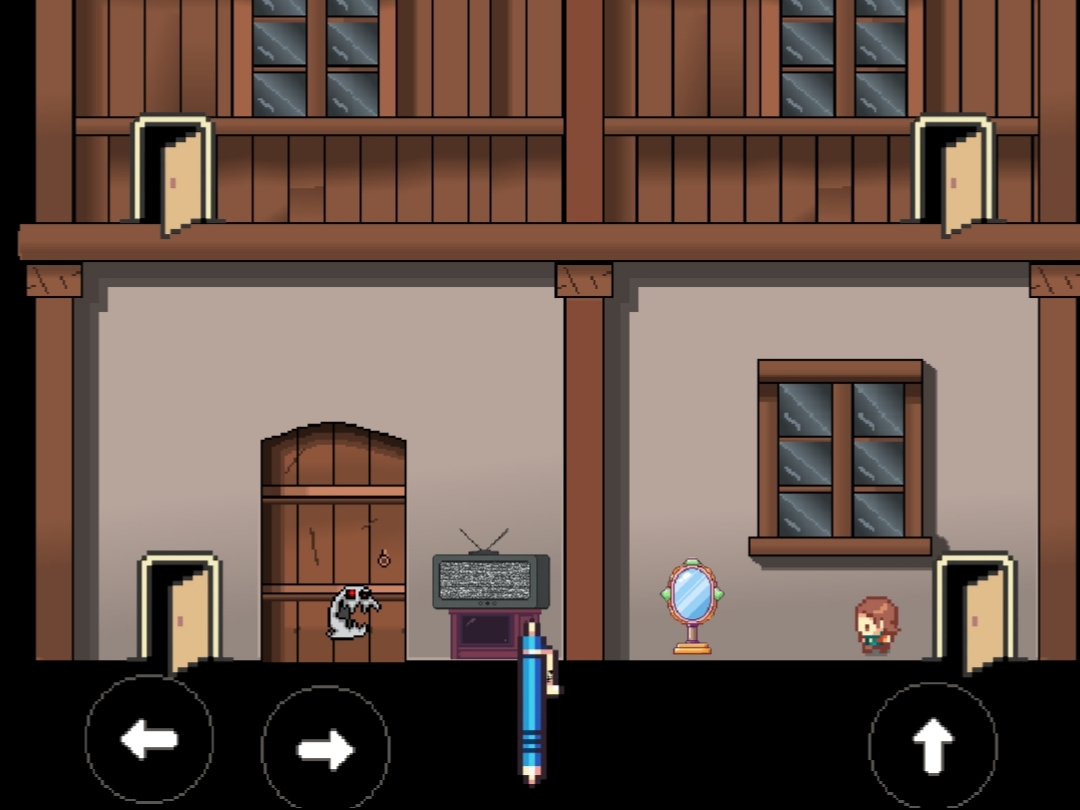
Interact with doors, windows, lights, and objects to slowly terrify him. Watch his fear meter rise as he starts losing control. Hide in the shadows, follow his movement path, and plan the perfect haunting.
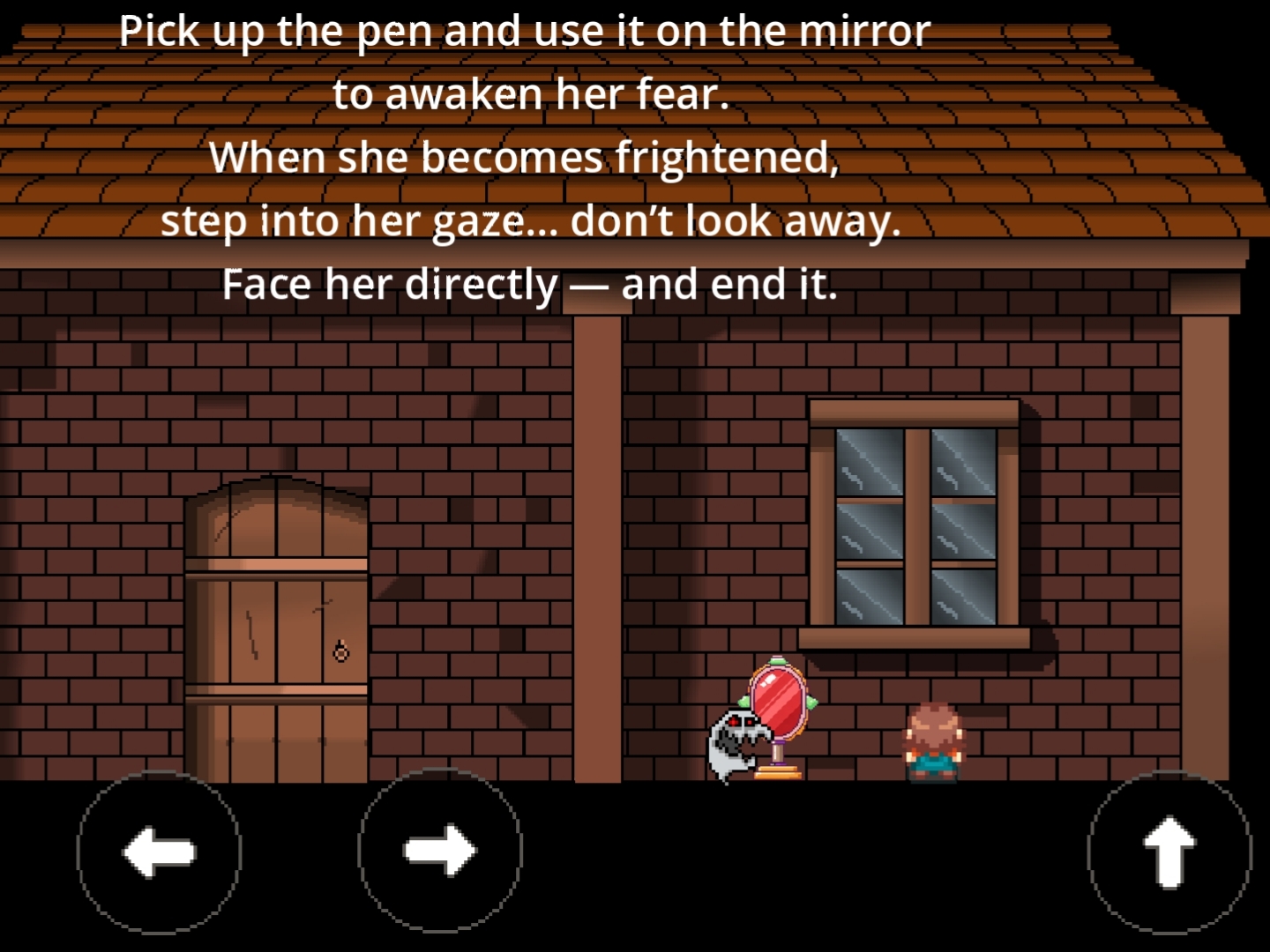
When the fear becomes too much…
show yourself.
Features
- Supernatural horror gameplay
- Scare-based strategy mechanics
- Top-down cartoonish visuals
- Interactive house environment
- NPC path and reaction system
- Short story-driven experience
- Multiple haunting interactions
- Creepy atmosphere with simple storytelling
Story
A man killed you and thought nobody would ever know.
Years later, your spirit awakens inside his house again.
At first, you haunt him quietly.
Opening doors. Moving objects. Making sounds in the dark.
But soon… he realizes he is not alone.
And tonight, he will finally face the ghost he created.
Gameplay
- Explore the neighbour’s house
- Interact with objects to scare him
- Increase the fear meter
- Avoid being noticed too early
- Reveal yourself at the perfect moment
- Complete your revenge
Genre
- Supernatural
- Strategy
- Horror
Made With
- Godot 4
Inspired By
- Neighbour From Hell
“I have my revenge… I’m free now.”
Comments
Log in with itch.io to leave a comment.
The concept is interesting on paper, but the game doesn't make it clear to the player what was going on. At first I didn't understand why the game stops me all of a sudden and then the "I have my revenge" screen appears, until I realized it means that the target saw me and got scared, maybe it needs a scream sound clip to be played or something.
Also you need to show the controls somewhere, I was trying to use the up arrow to interact because the overlay led me to believe that, until I realized it's the "E" key by trial and error.
Thanks you for this massive feedback I'm beginner devoloper I guess .
Maybe I have lot to improve